



About Snow Rush 3D
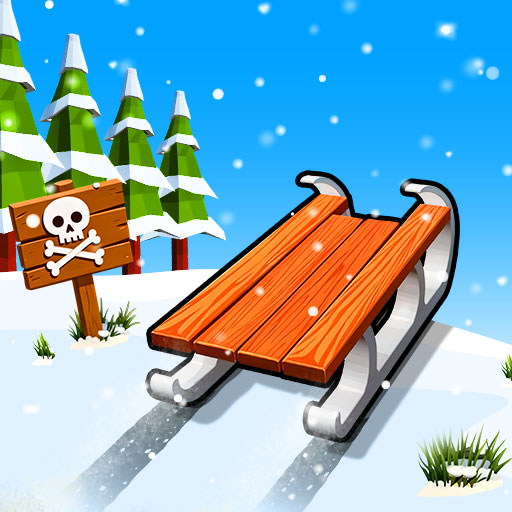
Start Snow Rush 3D by choosing whether you want a solo run or a local contest. The sled advances through a snowy course while you steer around trees, rocks, and snowmen and jump when the route demands it. Learning the division between movement and jumping makes the opening much easier to understand.
Once the basic controls feel familiar, the two-player option adds another person without replacing the survival objective. Each player has a separate keyboard assignment, and each sled still needs its own clear passage. Gift collection supports new sled appearances between attempts. Build a dependable line first, then decide how much attention a reward or a rival deserves.
How to Play Snow Rush 3D
Choose solo or two-player mode. Player 1 uses A/D to steer and Space to jump; Player 2 uses Left/Right Arrow and Up Arrow. Dodge winter obstacles and gaps while trying to extend the sled run.
- Select a mode and confirm each player’s steering and jump keys.
- Follow the opening trail with measured sideways adjustments.
- Jump toward a clear landing when the route cannot be safely steered around.
- Continue collecting reachable gifts and compare the distance reached after the attempt.
Controls & Timing
Steer first, then assess the jump
Look for a clear route beside the obstacle before leaving the ground. If a jump is needed, arrange the sled’s approach toward its landing. This keeps the action tied to the actual terrain instead of a habit of jumping at every object.
A local race needs separate attention
The second sled creates competitive pressure while your own obstacles continue approaching. Keep your controls and viewpoint associated with your player. A mistake on the other side of the screen should not determine your next input.
Gifts accumulate across the collection loop
The game uses gift pickups for additional sled options. Choose a gift whose approach and exit fit the current run. Chasing a reward beside a difficult landing is a separate risk from simply surviving the slope.
Controls
| Input | Action | When to use |
|---|---|---|
| A / D | Player 1 steering | Move the first sled left or right |
| Space | Player 1 jump | Cross a suitable hazard |
| Left / Right Arrow | Player 2 steering | Move the second sled in local play |
| Up Arrow | Player 2 jump | Cross a suitable hazard in local play |
High Score Tips
- Learn your key pair before competing. Make the steering and jump assignments familiar during an easy opening. This prevents a control mix-up from making the local match feel more difficult than the terrain itself.
- Watch the snow after a jump. Locate the landing and the next obstacle before takeoff. The sled needs a usable continuation, not merely enough height to clear the first object.
- Keep rival checks to simple stretches. Looking at another player can be useful for the contest, but not during a narrow passage. Give your next hazard priority when the route requires a precise action.
- Collect on established lines. After learning a clear route, add gifts that lie naturally along it. This makes collection an improvement to a controlled run rather than a reason for repeated emergency corrections.
Key Features
- Solo and local two-player modes. One course concept supports practice or a shared-computer contest.
- Separate player controls. Two steering and jump assignments keep local inputs distinct.
- Winter obstacle routes. Trees, rocks, snowmen, and gaps interrupt the downhill journey.
- Gift collection. Pickups support additional sled appearances.
Frequently Asked Questions
Can two players share one keyboard?
Yes. Player 1 uses A/D and Space, while Player 2 uses the left/right arrows and Up Arrow. Confirm those assignments before starting so each person controls the intended sled.
Which jump key does Player 1 use here?
Space is the Player 1 jump key used throughout this guide. Player 2 uses Up Arrow, so the two sets remain distinct during a local two-player game.
Is this an online race against strangers?
The multiplayer feature described here is local play on the same computer. It should not be interpreted as an online matchmaking system or a requirement to connect separate devices.
What should I do with a difficult gift pickup?
Check the snow and obstacles beyond it before moving. If the pickup leaves an awkward landing or turn, keep the current route and collect a safer reward later.
How should a new player begin?
Use a solo attempt to learn steering and jumping before starting a local contest. Once the inputs feel familiar, the extra challenge becomes managing your attention while another sled is visible.