

About Geometry Vibes 3D
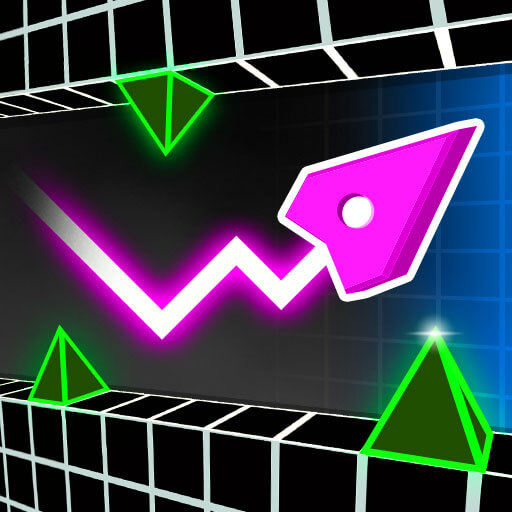
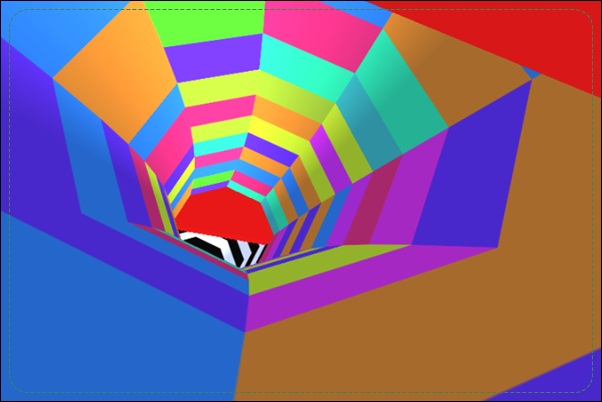
The first strategic adjustment in Geometry Vibes 3D is learning to read depth. Obstacles approach through a three-dimensional scene, so the apparent space on the screen needs to be related to the moment of contact. Your input must fit the approaching route, not simply follow the music or the movement of the other player.
Classic provides Rookie, Pro, and Expert settings with stars to collect. Endless shifts the goal toward a longer run, while the local two-player mode offers a shared-computer contest. Stars contribute to Market purchases such as arrow appearances and trails. Pick a goal for the session before judging a run: completing a route, improving collection, and competing against a friend ask for different kinds of attention.
How to Play Geometry Vibes 3D
Choose a mode, then use W or the left mouse button for Player 1’s jump control. In local two-player mode, Player 2 uses Up Arrow. Avoid geometric hazards and pursue the selected mode’s finish or survival goal.
- Begin on a manageable difficulty and learn how obstacles approach in depth.
- Time the control so the character clears the next hazard.
- Collect Classic stars when the route leaves a safe continuation.
- Finish the course, extend an Endless run, or compare the local match result.
Controls & Timing
Depth changes the timing reference
An obstacle can look close while still leaving a moment to prepare. Learn its approach using a recognizable section of the course. That relationship is more useful than pressing whenever a shape becomes visually large.
Stars give replays a purpose
Classic stars contribute to completion and purchases in the Market. A missed star can be a reason to revisit a level after learning its route. It does not need to become an emergency detour during the first successful attempt.
Two players, separate inputs
Local play assigns the second player Up Arrow while Player 1 uses the documented first-player input. Confirm those assignments before the match. Looking at another character’s progress cannot replace reading the hazard approaching your own.
Controls
| Input | Action | When to use |
|---|---|---|
| W / left mouse click | Player 1 jump control | Clear an approaching obstacle |
| Up Arrow in two-player mode | Player 2 jump control | Control the second character locally |
High Score Tips
- Use Rookie to calibrate the camera. Learn when a visible obstacle actually reaches the character before selecting a harder setting. This turns later misses into timing problems you can understand rather than unfamiliar depth cues.
- Keep completion and collection separate initially. A reliable finish reveals which star routes are optional and which are awkward. Return with that knowledge instead of disrupting every first attempt to chase a reward.
- Choose the mode for the skill you want. Classic helps you learn a defined route, while Endless tests sustained control. A local match adds divided attention, so it is useful after the basic movement feels recognizable.
- Ignore a rival during a tight passage. Competitive information matters less than your next clearance. Watch the other player only when your own section gives enough room to spare the attention.
Key Features
- Three-dimensional courses. Depth changes how players read approaching geometry.
- Three Classic difficulties. Rookie, Pro, and Expert provide different challenge settings.
- Star-funded Market. Collection supports arrow appearances and trails.
- Local two-player and Endless modes. The same core control supports different session goals.
Frequently Asked Questions
Does this version support four local players?
The documented 3D version uses a local two-player mode. Do not carry over the four-player option from the original Geometry Vibes; each version has its own mode structure.
What are Classic stars used for?
They mark collection progress and contribute to Market purchases such as appearances and trails. Learn a level’s dependable route first, then revisit the stars that require a more demanding passage.
Which difficulty should I start with?
Rookie is the useful starting point for understanding the camera and obstacle timing. Move to Pro or Expert after you can relate the visible approach to the moment an input is needed.
Is the multiplayer mode online?
The described contest is local on the same computer. An Endless leaderboard is a separate comparison feature and should not be confused with live online opponents sharing a race.
Can music replace watching the course?
Use it as a timing reference while continuing to read the actual obstacles. The character’s position and the available space still determine whether an input will clear the next hazard.