



About Tap Rush
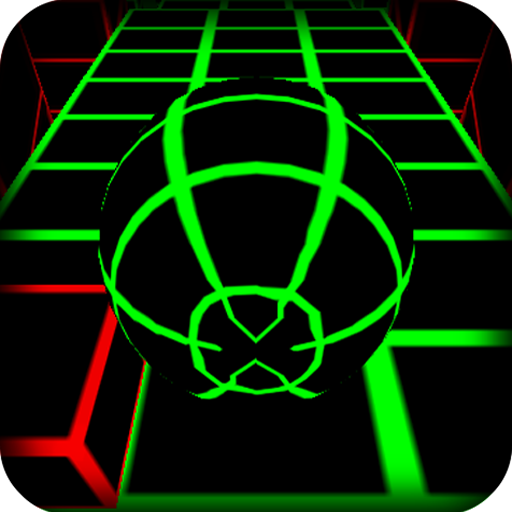
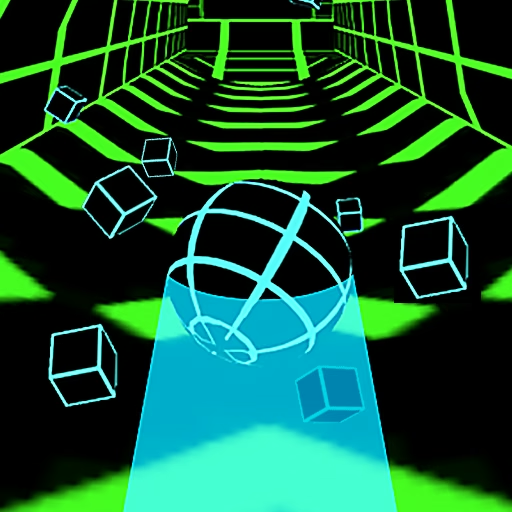
Tap Rush is an endless ball runner in which the same small action controls every major decision. A left mouse click changes the ball’s lane or direction as it travels along a twisting three-dimensional track. Obstacles threaten the current attempt, while gems invite a detour. The course becomes more demanding as the ball gains speed, leaving less time to reconsider a choice.
The collection loop extends beyond a single run: gems unlock additional ball skins and tracks. That gives successful movement two kinds of value, but it does not turn every pickup into a priority. There are no checkpoints in the described endless run, so an ambitious collection attempt can sacrifice progress that a straightforward route would have preserved.
How to Play Tap Rush
Click the left mouse button when the ball needs to change lanes or direction. Avoid obstacles on the automatically advancing track and collect gems only when you can continue safely afterward; a collision ends the run.
- Start with the nearest clear section and learn the response to a single click.
- Read the route before selecting the lane that contains a gem.
- Adjust your timing as forward speed rises and openings arrive more quickly.
- Use collected gems in the available customization options between attempts.
Controls & Timing
No checkpoint to protect the detour
The endless run ends when the ball collides with an obstacle. Since it does not provide checkpoints, a risky reward should be judged against the value of the current attempt. A safe continuation can be the more useful choice.
The track changes the timing
Twists and obstacles affect when a lane change is useful. Do not let a comfortable rhythm replace observation of the approaching section. The correct interval between clicks can change even while the control itself stays the same.
Gems have a separate job
Gems support ball and track unlocks. Treat them as collection currency rather than proof that a route is safe or that the ball has become more resistant to hazards. A new appearance still needs careful navigation.
Controls
| Input | Action | When to use |
|---|---|---|
| Left mouse click | Change lane or direction | Navigate the next clear section |
High Score Tips
- Judge the exit from a pickup. Before committing to a gem, identify the lane you will need immediately afterward. A collection line is poor if it leaves too little time for the next required change.
- Keep one decision active at a time. Decide on the immediate switch, execute it, and then confirm the next route. Panic-clicking several times can erase your understanding of the ball’s position.
- Notice why speed exposes errors. A late change may work near the beginning and fail later. Move the observation earlier instead of assuming that the control response has changed.
- Separate a collection run from a record attempt. If you want to experiment with difficult gem lines, do so deliberately. When protecting a long run, accept fewer pickups and concentrate on the clearest continuation.
Key Features
- Endless three-dimensional course. The challenge continues while you keep the ball clear of obstacles.
- One-input navigation. A click manages lane changes and direction decisions.
- Gem-funded unlocks. Collected currency opens additional skins and tracks.
- Escalating difficulty. Faster movement and trickier arrangements put pressure on familiar timing.
Frequently Asked Questions
Does the ball move by itself?
Yes. Forward movement is automatic, leaving you to choose when to change lanes or direction. You do not need to keep clicking simply to make the run continue.
What are the gems used for?
They unlock ball skins and tracks through the game’s collection system. A dangerous gem is still optional; passing it can preserve an attempt that would otherwise end at the next obstacle.
Are there checkpoints?
The described endless run has no checkpoints. A collision ends the current attempt, which makes consistent route choices more valuable than repeatedly gambling on difficult pickups.
Why does the course become harder?
The ball speeds up and the track presents trickier arrangements. The time available to identify a route decreases, so the same late reaction becomes less reliable later in a run.
Does a new skin remove the need to dodge?
Do not treat customization as protection. The documented unlocks change ball or track options; avoiding the course’s obstacles remains the central requirement for continuing an attempt.