






About Geometry Vibes
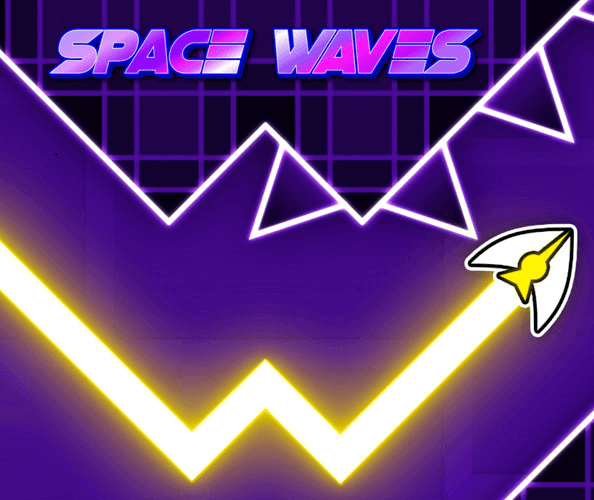
Geometry Vibes uses a rising-and-falling arrow to connect three different goals. Classic mode asks you to finish a course, Endless mode asks you to sustain a run as its pace increases, and Race mode lets two to four players compete on the same keyboard. The movement remains direct, but the reason to keep going changes with the selection.
The ten Classic levels provide a sequence of increasingly demanding obstacle routes. Learning how to time a release around spikes helps in all three modes, while racing adds the distraction of other players’ progress. A clear first objective is to control your own arrow reliably before letting the competitive setting change your rhythm.
How to Play Geometry Vibes
In solo play, hold the left mouse button or Up Arrow to rise and release to descend. Avoid spikes and barriers, reach the finish in Classic, or last as long as possible in Endless; Race players use their displayed individual controls.
- Choose Classic, Endless, or a two-to-four-player Race.
- Confirm the control assigned to your arrow before beginning.
- Alternate rising and falling to follow the clear space between hazards.
- Finish the course or extend the run according to the selected mode.
Controls & Timing
One flight system, different objectives
Classic provides a finish, while Endless keeps testing survival as the pace rises. Choose which goal you want before judging the attempt. A difficult course section and a late endless mistake can call for different kinds of practice.
Local racing divides attention
Race puts multiple players on the same keyboard. Confirm the displayed assignments so each person knows which control belongs to their arrow. During the run, watching someone else’s lead can cost the movement your own route needs.
Release controls the lower half
Letting go sends the arrow down, making release timing essential below an overhead hazard. Begin the next hold before the floor removes your remaining space. Treat both transitions as planned actions rather than press and rest.
Controls
| Input | Action | When to use |
|---|---|---|
| Hold left mouse / Up Arrow in solo play | Rise | Reach an upper opening |
| Release the active solo input | Descend | Pass below a hazard |
| Player-specific control displayed in Race | Control that player’s arrow | Compete locally on the shared keyboard |
High Score Tips
- Use Classic to isolate a difficult pattern. A defined course gives you a section to recognize and improve. Work on its awkward release or climb before assuming that a longer endless run will solve the same issue.
- Keep race attention on your own route. Other arrows provide competitive context, but they do not replace the opening you must reach. Check your position in the course before reacting to another player’s progress.
- Adjust early as Endless speeds up. Start reading the next gap sooner instead of simply pressing more often. The corridor still determines the flight path even when you have less time to prepare it.
- Agree on controls before a local match. Let everyone identify their assigned input before the race starts. This prevents a confused first attempt from obscuring the actual flight challenge.
Key Features
- Ten Classic levels. A defined progression offers increasingly demanding routes.
- Endless mode. Rising speed puts pressure on sustained control.
- Local two-to-four-player Race. Friends can compete using the same keyboard.
- Hold-and-release arrow movement. The timing of climbs and descents carries across modes.
Frequently Asked Questions
Does Race require separate computers?
The described Race mode uses one keyboard for two, three, or four players. Each person follows the control shown for their arrow; it is local shared-keyboard play, not a claim of online matchmaking.
What is the goal in Classic mode?
Complete the selected obstacle course without crashing the arrow. The mode contains ten levels with increasing difficulty, so a troublesome section can become a specific target for practice.
How is Endless different?
Endless focuses on continuing survival, and the arrow’s speed rises with distance. There is no selected Classic finish to aim for, so earlier reading becomes increasingly useful as the run develops.
Can everyone use the solo Up Arrow control in Race?
Use the player assignments displayed by Race mode. Multiple players need their own inputs, and the solo control description should not be treated as a shared command for every arrow.
Why is releasing as important as holding?
Holding sends the arrow upward, while release creates the descent needed beneath upper obstacles. A late release can close off an otherwise safe gap, just as a late hold can leave too little height.