
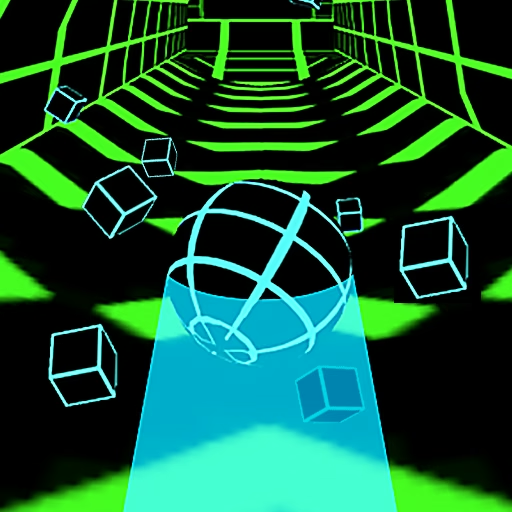




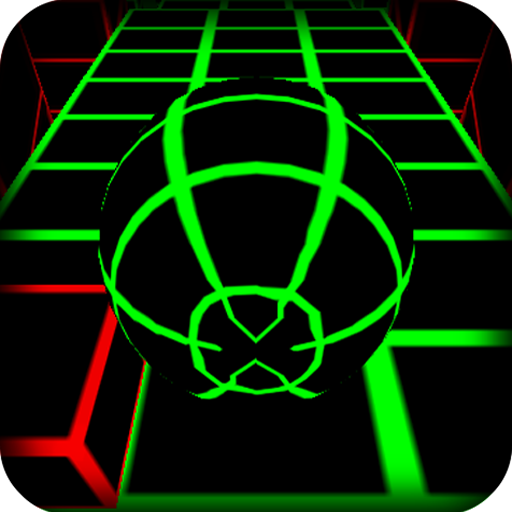



About Slope 2
Slope 2 adds a particular complication to the familiar downhill ball run: parts of the course can accelerate an already demanding approach. Arrow-marked sections provide speed boosts, while changing track arrangements and moving obstacles prevent you from treating every straight as a rest. The goal remains simple—keep the ball rolling safely—but the preparation for each section matters.
A boost is useful only if the road beyond it remains manageable. Entering at an awkward angle can leave very little time to correct before the next barrier or edge. Think of the course as a series of entrances and exits, and choose a position that remains useful after the extra speed arrives.
How to Play Slope 2
Use Left and Right Arrow or A and D to steer the automatically moving ball. Avoid red hazards and falls, and align with the route beyond arrow-marked speed boosts before entering them.
- Read the opening platform and establish a clear line.
- Watch moving hazards and choose the opening that will remain available on arrival.
- Set up the exit position before rolling through a speed-boosting section.
- Continue across the changing course until a collision or fall ends the run.
Controls & Timing
Boosts compress the next decision
An arrow-marked section can increase the ball’s speed. Inspect the road after it while you still have time, then enter with the ball already aligned. Waiting until the acceleration occurs can turn a straightforward dodge into a rushed correction.
An opening can move
A moving obstacle must be judged by its motion as well as its current position. Watch which way the safe space is traveling. Steer for the opening you expect to reach, rather than a space that may close before the ball arrives.
Controls
| Input | Action | When to use |
|---|---|---|
| Left Arrow / A | Steer left | Align with an opening or the next platform |
| Right Arrow / D | Steer right | Align with an opening or the next platform |
High Score Tips
- Inspect beyond the arrows. Before a boost, identify the first danger after it. Choosing that continuation early helps you avoid spending the faster section searching for a route.
- Enter acceleration with fewer adjustments pending. Finish an unnecessary side-to-side correction before reaching the boost. The increased pace gives you less time to repair a line that is already unstable.
- Watch obstacle direction. A gap that looks large now may be shrinking. Briefly tracking the moving barrier can reveal whether a slightly different line will be safer when the ball arrives.
- Separate speed from steering error. After a failed boosted section, review the entry position. The problem may be an unsuitable line chosen before acceleration, rather than an inability to press keys quickly enough.
Key Features
- Arrow-marked speed boosts. Specific track sections change the pace of an approach.
- Moving obstacles. Safe openings can shift while the ball advances.
- Changing course arrangements. Each stretch asks for fresh route reading.
- Automatic forward travel. Lateral steering remains the player’s central control.
Frequently Asked Questions
How are speed boosts triggered?
They are associated with arrow-marked sections of the course. Prepare for the faster continuation as you approach them, rather than assuming that every stretch will preserve the previous pace.
Can I jump over an obstacle?
The controls documented for this version are left and right steering, with no manual jump action. Use the available track and openings instead of planning around an extra jump button.
Is a moving gap safe as soon as I see it?
Its position can change before the ball reaches it. Watch the direction of movement and select a route that is likely to remain open at your arrival.
What ends the run?
A collision with a dangerous red obstacle or a fall from the course ends the attempt. Speed boosts change the timing pressure, but they do not remove those failure conditions.
Should I steer more when the ball speeds up?
Not automatically. A good entry line may need very little movement, while repeated corrections can waste the smaller reaction window. Let the upcoming route determine the input.