
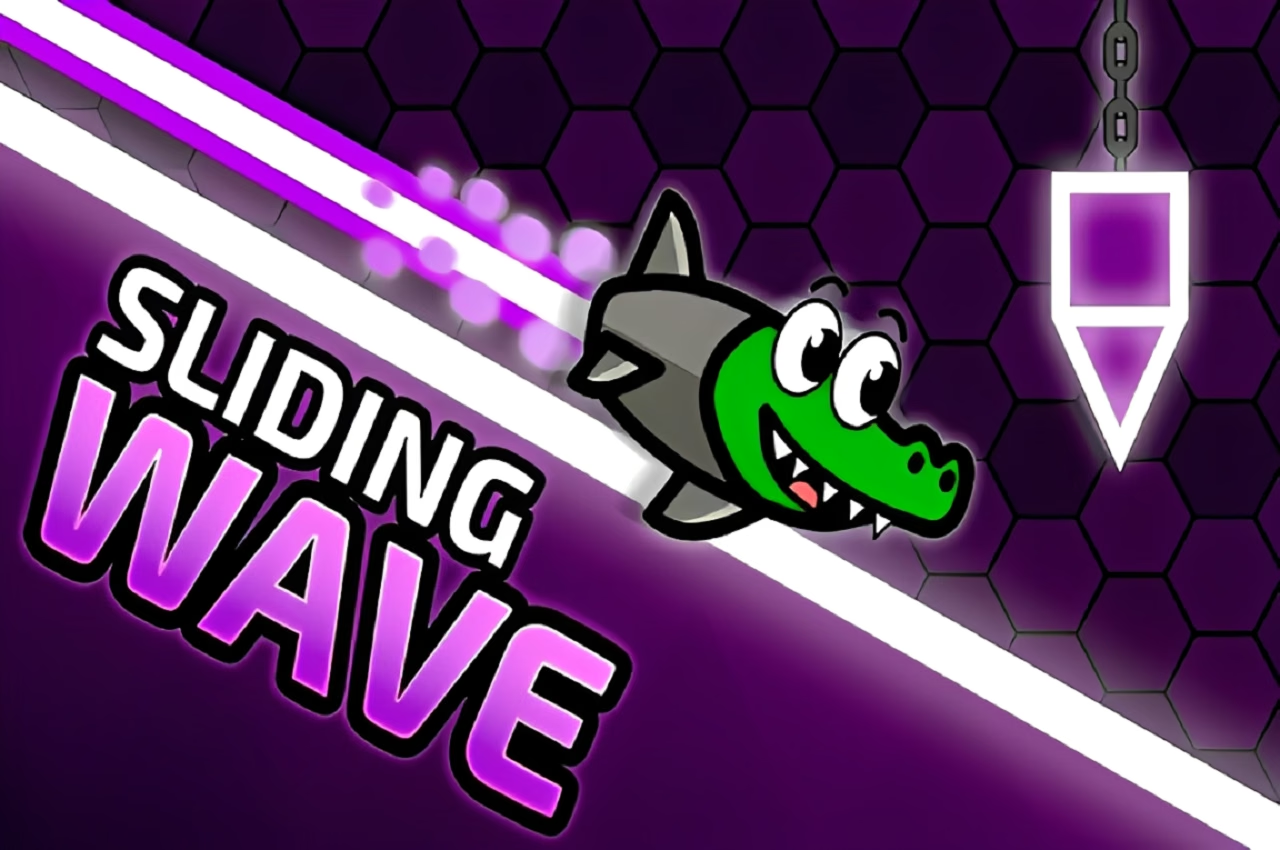







About Sliding Wave
Sliding Wave makes repeated attempts feel like learning a passage piece by piece. Your craft climbs while the mouse is held and descends when released, creating a zigzag path between traps. Checkpoints divide the work, so a difficult corridor can become a short section to understand rather than a reason to replay everything that came before it.
Slopes change the available space continuously, and visual hints help draw attention to approaching danger. Coins and crystals give you additional routes to consider, with collected rewards supporting new appearances. The central experience is still getting a clean line through the level: a controlled climb, a timely release, and enough room to reverse before the next boundary.
How to Play Sliding Wave
Hold the left mouse button to climb and release it to descend. Follow the open corridor, avoid traps, pass checkpoints, and reach the finish of the selected level.
- Read the opening slope and choose where the first climb should end.
- Alternate holding and releasing to fit the changing corridor.
- Use checkpoints to practice the next difficult passage in smaller sections.
- Reach the finish, then return for collection routes you can now judge more confidently.
Controls & Timing
Checkpoints shorten the lesson
A checkpoint provides a later restart position inside the course. Use the repeated section to test one change in timing. The benefit is most useful when you remember which reversal you are trying to improve.
A slope closes space gradually
A rising floor can remove the room for a descent before a spike becomes the obvious problem. Read the corridor’s angle while approaching it. Start gaining height soon enough that the next reversal remains possible.
Hints draw attention, not a flight path
A visual warning tells you to inspect the section more carefully. It does not remove the need to choose a climb or descent that fits the opening. Check the nearby boundaries before responding to the marker.
Controls
| Input | Action | When to use |
|---|---|---|
| Hold left mouse | Climb diagonally | Follow an upward passage |
| Release left mouse | Descend | Enter a lower opening or clear an upper trap |
High Score Tips
- Practice between known landmarks. Use a checkpoint and a visible corner as the limits of a short exercise. Repeating that section makes a specific early or late release easier to recognize.
- Look at the floor during descent. The lower boundary determines how much falling space remains. Keeping it in view helps you begin the next hold before the craft reaches an unrecoverable angle.
- Collect after understanding the trap. First pass the surrounding obstacle reliably, then test the reward line. This separates a collection mistake from a movement you had not yet learned.
- Reduce changes on a successful retry. When one adjustment clears the troublesome section, keep it consistent. Altering several other inputs immediately can hide the improvement you just discovered.
Key Features
- Wave-style control. Held and released input states shape a diagonal flight path.
- Checkpoint progression. Difficult courses can be learned through shorter retries.
- Visual route hints. Markers call attention to dangerous sections ahead.
- Collectible customization. Coins and crystals support appearance-related progression.
Frequently Asked Questions
Does a checkpoint make the rest of the level safe?
No. It provides a later place to resume, but the traps ahead still require a controlled passage. Use the shorter retry to study the next sequence rather than rush it.
What happens when I release the mouse?
The craft descends instead of stopping. Releasing is therefore a movement decision, especially beneath an upper obstacle or just before a corridor that turns downward.
Should I follow every collectible immediately?
First read the trap arrangement around it. A reward is easier to collect after you understand the safe flight line, because you can judge how much the detour changes that sequence.
Why are slopes harder than an open corridor?
They change the available height as the craft advances. A descent that begins safely can run out of space, so read the floor angle before committing to a long release.
How should I use a warning marker?
Treat it as a prompt to inspect the approaching geometry. Decide which boundary threatens your current line, then choose the hold or release needed to pass that specific section.